Rendering to PDF
Render the Technique document into a printable PDF.
Technique has powerful tools for rendering documents as they would be expected in different domains.
This happens in two stages; first the document is run through an adapter which translates from the pure source domain that the Technique was written in to an intermediate representation suitable to the domain being targetted. Then a renderer takes those domain-specific objects and typesets them. This is then assembled together and compiled into a PDF.
We use the powerful Typst typesetting engine to generate gorgeous print-ready PDFs.
Render command
If you have Typst installed, you can render the procedure as a printable PDF:
$ technique render Hello.tq
$
This will produce Hello.pdf in the current directory. Becuase no domain was
specified, the renderer will fall back to the source domain which renders
the input document source into a syntax highlighted PDF.
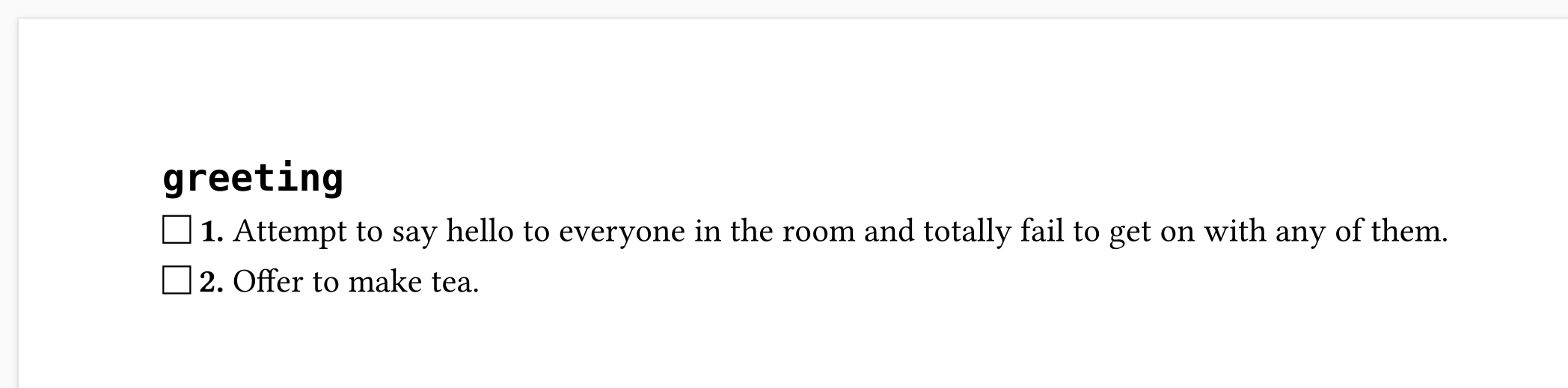
If instead we wanted to see this Technique document rendered as a list with
check boxes, we would use the checklist domain:
$ technique render --domain=checklist Hello.tq
$ open Hello.pdf
would result in:
Adding a title
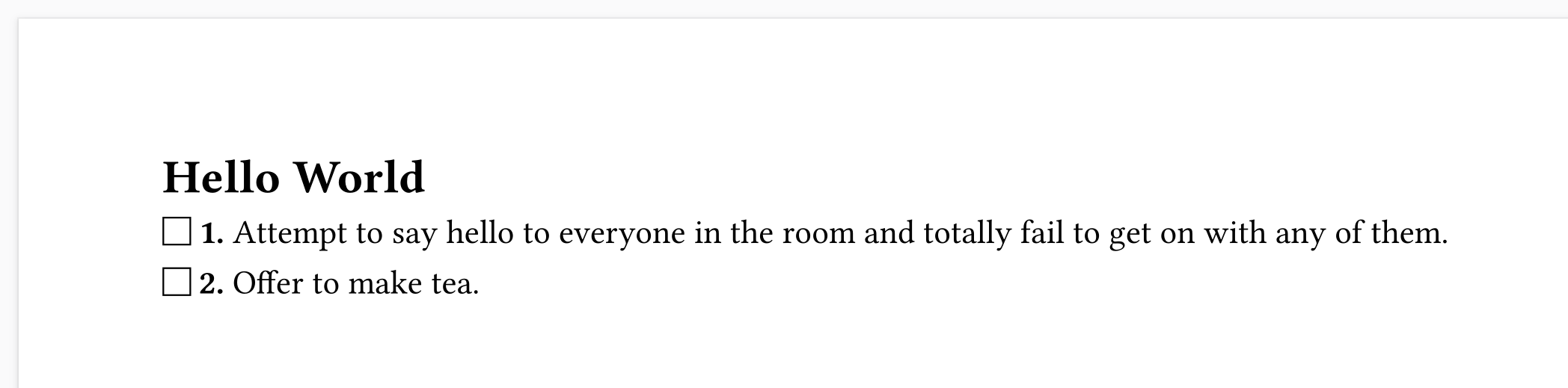
As you can see the procedure name is used as a heading. That works, but identifier labels often aren't appealing visually, which starts to show why procedures can have a title. If we update our Technique document as follows:
greeting :

# Hello World

    1.  Attempt to say hello to everyone in the room and
        totally fail to get on with any of them.
    2.  Offer to make tea.
and render again
$ technique render --domain=checklist Hello.tq
$ open Hello.pdf
we'll now see this instead:
There are other domains. For operations plans there's procedure which
renders a Technqiue in the form used by the original paper procedures that
inspired the project. Instructions for preparing food can be displayed using
the recipe domain, and there's even one for the crew procedures used by NASA
astronauts on the Internaional Space Station.